Make your own bead patterns
Turn a favorite image into something you can make.
Convert images into patterns that fit your board and bead colors. Add text, shapes and brush strokes, then download a PNG chart with color codes to guide your project.
Open editor →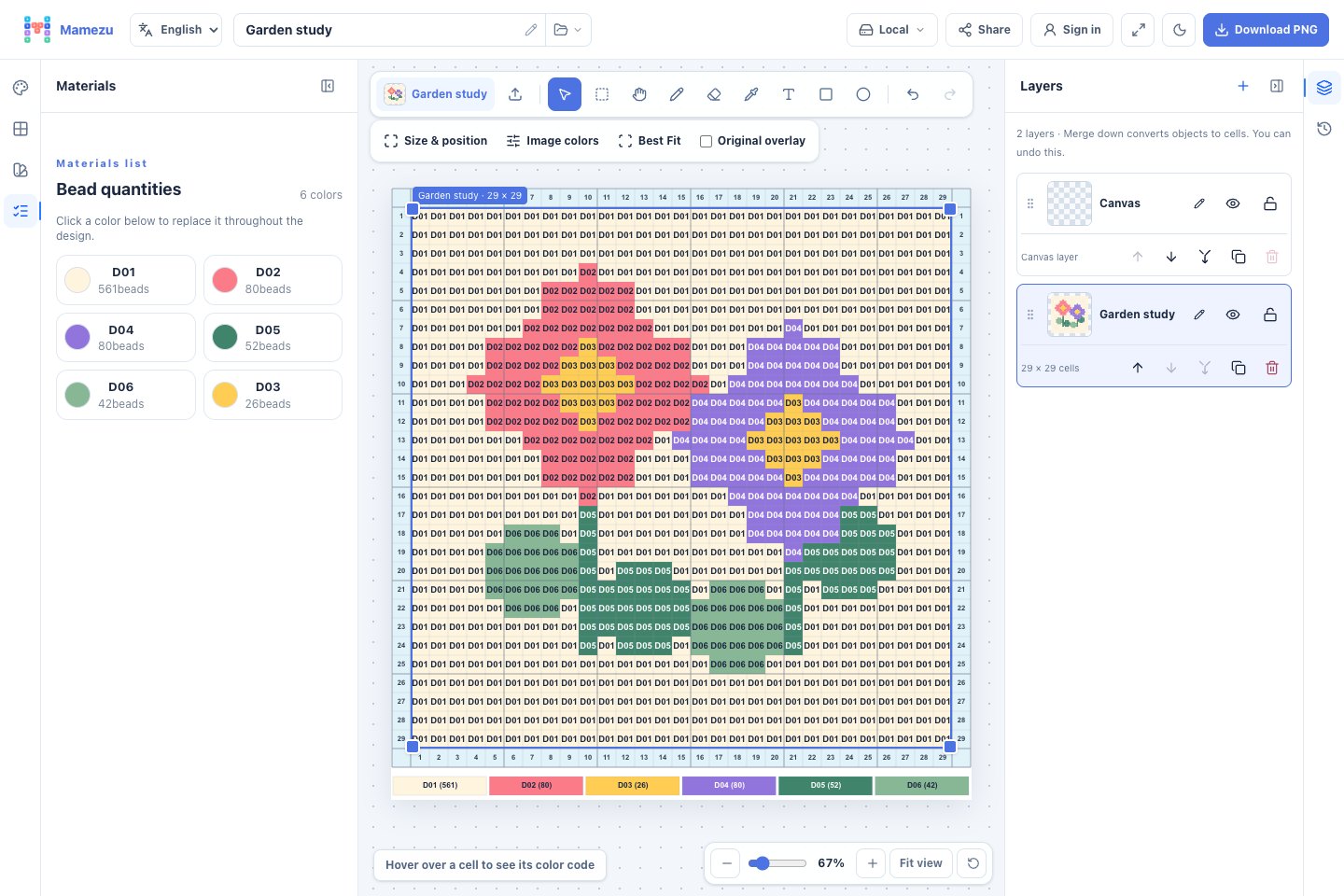
From image to bead pattern
Start with an image
Set your board’s width and height in beads, then drop in an image. Move or resize it to adjust the composition.
Each cell represents one bead. Use more cells to preserve small text and fine lines.
Use the colors you have
Choose a brand and series, then select the bead colors you own. The pattern will use those colors. A wider palette can preserve more of the original image’s color differences.
Screen colors are a guide. Transparent, pearlescent and other specialty beads may look different in person, so check the codes and packaging before you begin.
Refine your pattern
Add details with text, shapes and a brush. Arrange layers to control which elements appear in front.
Each cell shows a color code, and the materials list counts how many beads you need. Download the finished PNG and start making.
Edit, download and save projects in your current browser without an account.
Sign in to save projects to the cloud and open them on another device. You can also share a read-only link and revoke it whenever you choose.
ChatGPT · Claude · MCP
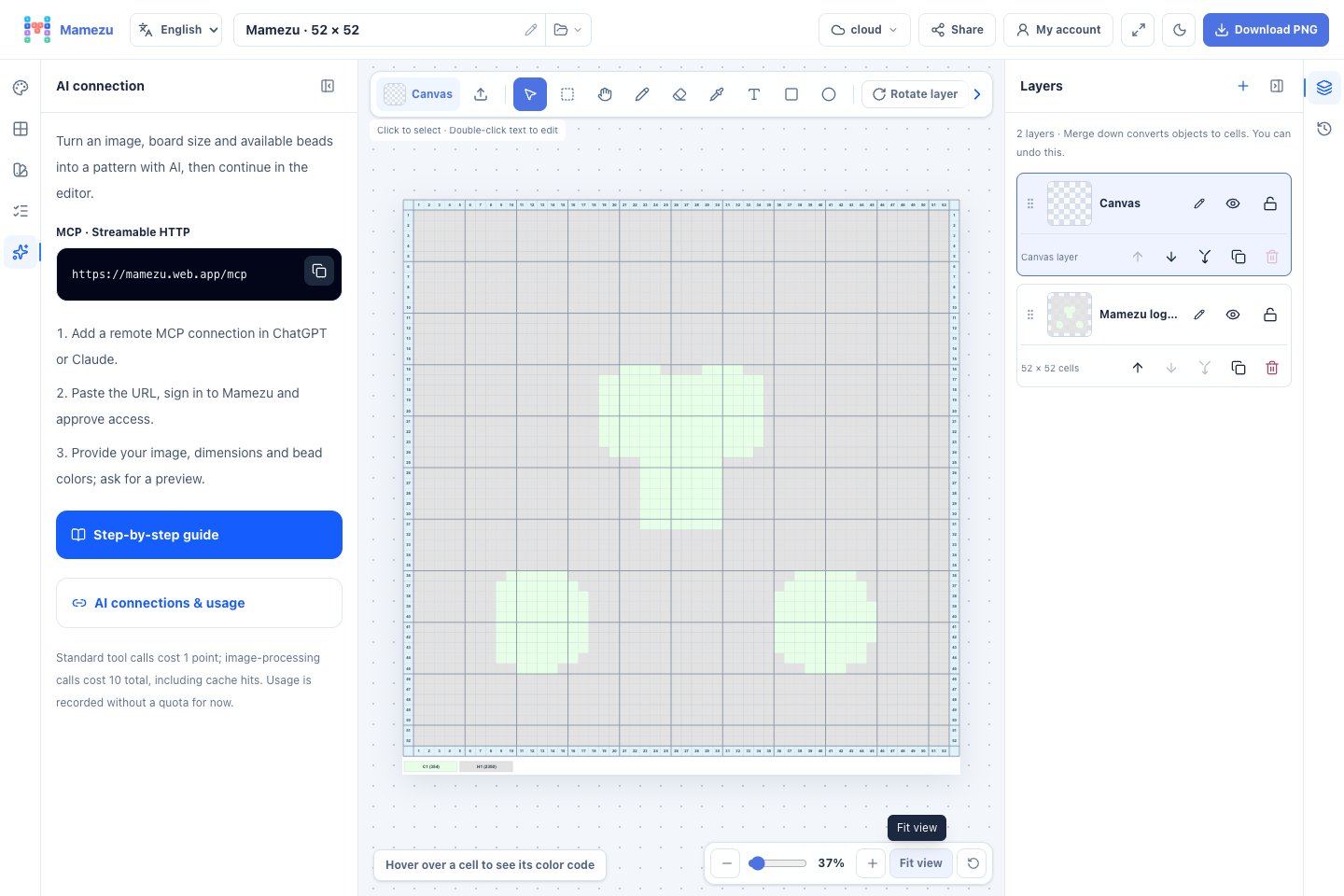
Make bead patterns with AI
Connect ChatGPT or Claude to design within your board size and available bead colors. Review a preview, replace colors, then finish in Mamezu.